Get started with your new Microsoft 365 account with a Temporary Access Pass
These instructions assume you have been invited to join a Microsoft 365 service as a new user, and have received a "Temporary Access Pass" to get started. They are aimed at iBizify Microsoft 365 customers.
A TAP (Temporary Access Pass) is a secure single use, time limited code that provides initial access to your new account, before setting up account security.
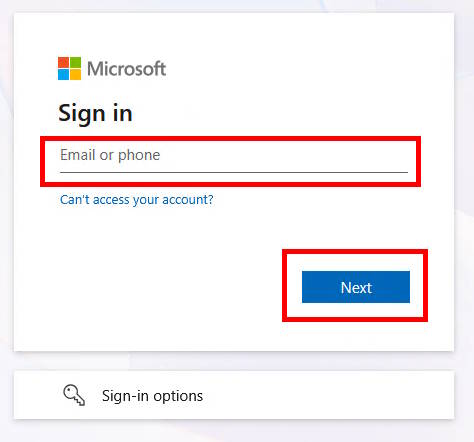
- Visit https://aka.ms/mysecurityinfo
- Enter your username, which is usually your new email address.
- Click Next.
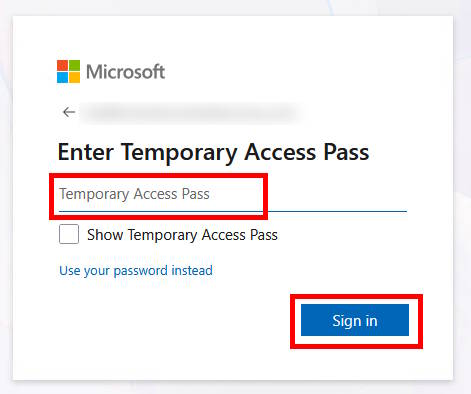
- Copy and paste your TAP code into the box.
- Click Sign in.
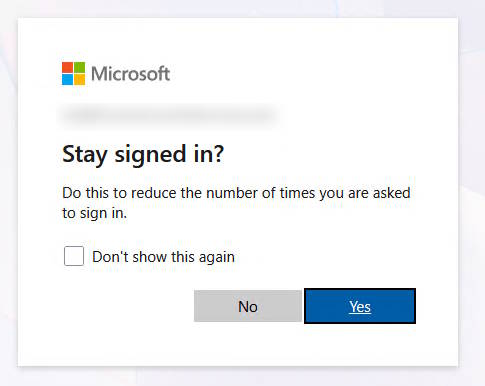
- If you are using a private device, click Yes to "Stay signed in?"
- You have successfully signed in to your new account.
- Now we must set a new password.
- Visit https://aka.ms/mysecurityinfo
If you are no longer signed in, please follow the instructions: Reset your 365 password
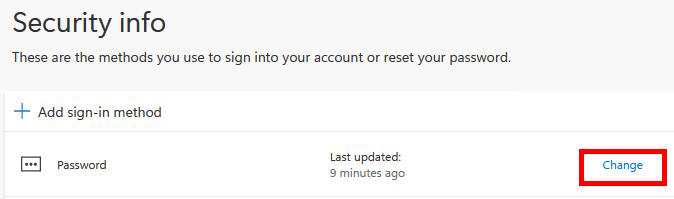
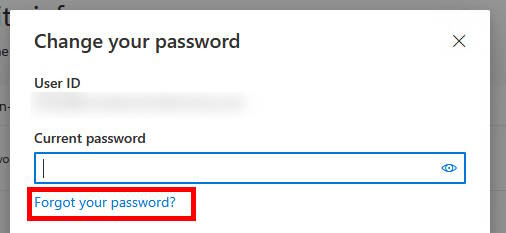
- To the right of Password, click Change.
- Click Forgot your password?
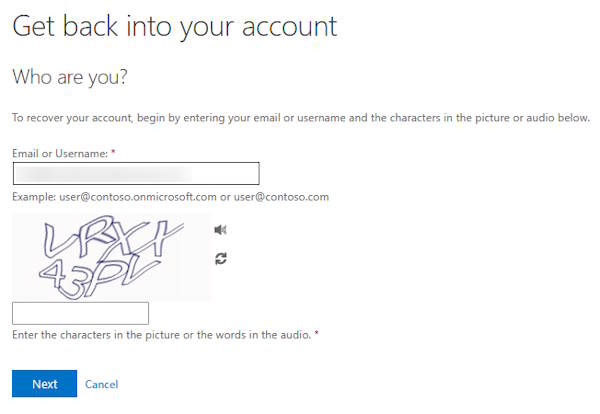
- Enter your username (may be prefilled).
- Complete the challenge.
- Click Next.
- Click Email.
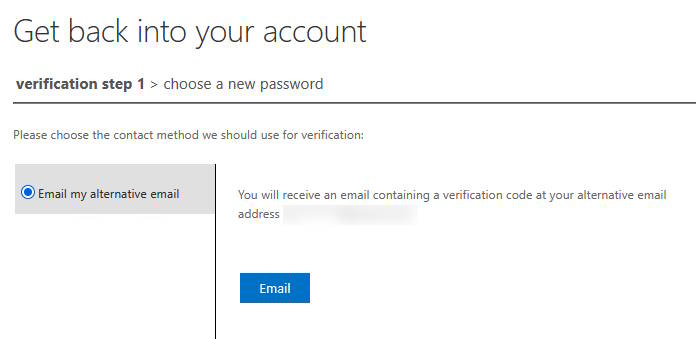
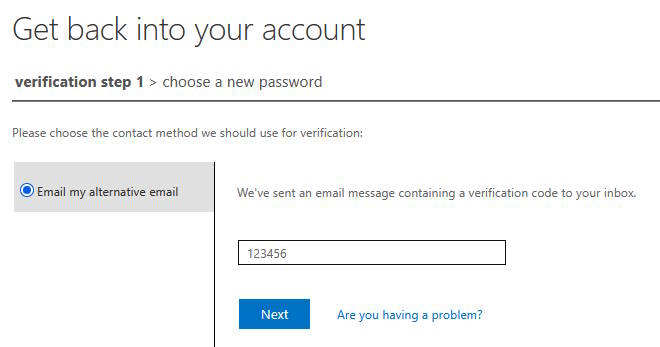
- You will receive a verification code to the email address you provided during registration.
- Enter this code into the box presented.
- Enter a new strong and unique password. We recommend using a good password manager such as Keeper Security.
- Click Finish.
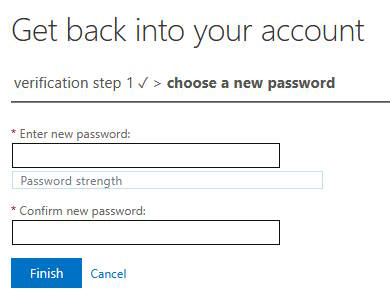
- Your new password is now set.
Next steps
You should now set up your account security if you have not already done so.