Set or reset your Microsoft 365 password
If you have a new Microsoft 365 account, or have forgotten your Microsoft 365 password, follow these instructions.
These instructions assume you already have a Microsoft 365 account and username set up. They are aimed at iBizify Microsoft 365 customers.
- Visit https://aka.ms/mysecurityinfo
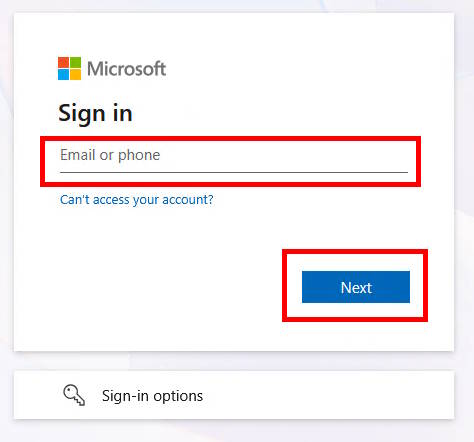
- Enter your username (usually your email address). Click Next.
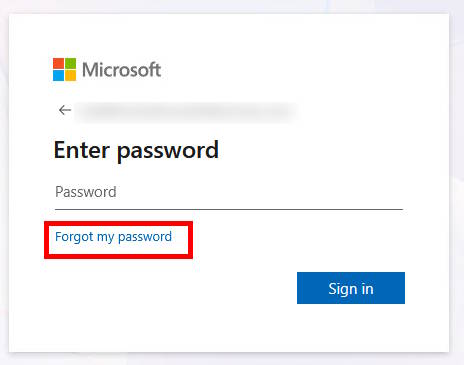
- Click Forgot my password.
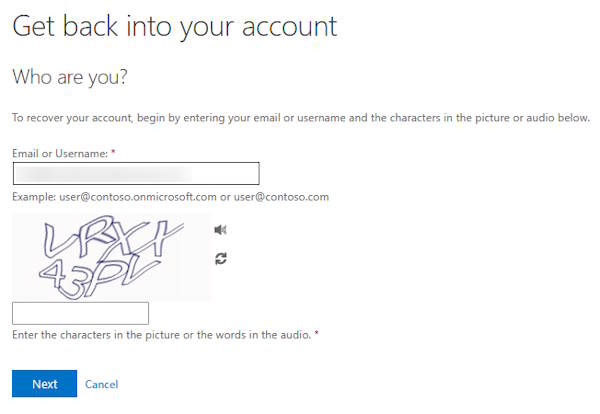
- Enter your username (may be prefilled).
- Complete the challenge.
- Click Next.
- Click Email.
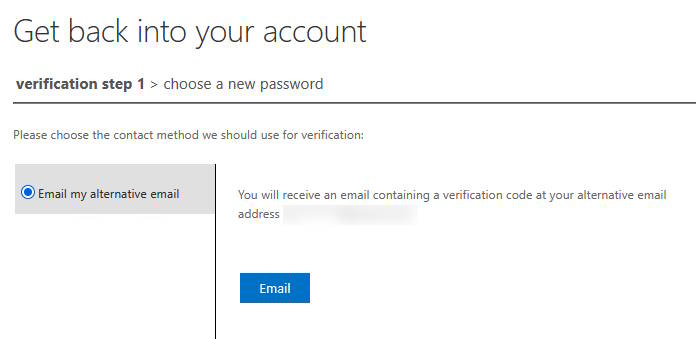
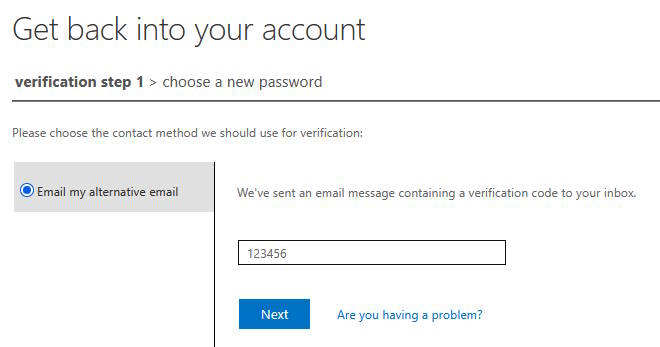
- You will receive a verification code to the email address you provided during registration.
- Enter this code into the box presented.
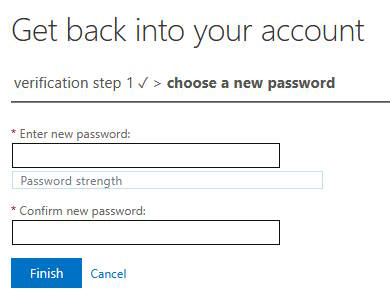
- Enter a new strong and unique password. We recommend using a good password manager such as Keeper Security.
- Click Finish.
- Your password is now reset.